Instagram Reels have become one of the easiest ways to share ideas, promote products, and reach new audiences. But creating fresh videos every week isn’t always easy. Filming takes time, editing can be frustrating, and sometimes you simply don’t have the right footage.
That’s where AI video generators come in.
With the right AI tools, you can turn simple ideas, text prompts, or images into short videos. You don’t need an expensive camera, a studio, or advanced editing skills.
However, making a video with AI is only the first step. The real challenge is creating something people actually want to watch.
Here’s how to use AI video generators for Reels while keeping your content creative, natural, and engaging.
Why AI Video Generators Make Sense for Instagram Reels
Reels are short, visual, and fast-moving. That makes them a great match for AI-generated videos.
Instead of spending hours filming different scenes, you can describe what you want and let AI create the visuals.
For example, imagine you run a small coffee shop and want to promote a new summer drink. You could create a short video showing a cold drink on a sunny table, ice cubes falling into a glass, and a close-up of the final product.
You don’t necessarily need to film every scene yourself.
AI video generators can be especially helpful for:
- Small businesses: Create product teasers, promotional videos, and seasonal content.
- Content creators: Turn creative ideas into short visual stories.
- Online stores: Make lifestyle videos around products.
- Personal brands: Add interesting visuals to tips, stories, and educational content.
- Social media managers: Test different video concepts without organizing a new shoot every time.
The biggest advantage isn’t just saving time. It’s being able to try ideas that would otherwise be difficult or expensive to produce.
Start With an Idea, Not an AI Tool
One common mistake is opening an AI video generator before deciding what the Reel should communicate.
The result might look impressive, but it often feels random.
Instead, start with one simple question: What should someone feel, learn, or do after watching this video?
Maybe you want to show how a product fits into everyday life. Maybe you’re sharing a quick travel tip. Or perhaps you just want to create something funny.
Once you have a clear idea, choosing the visuals becomes much easier.
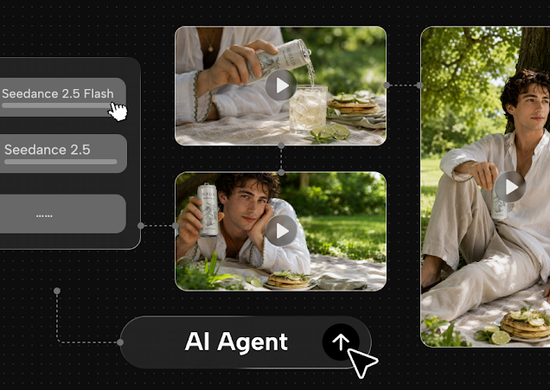
For experimenting with different concepts, tools such as Seedance free can be a starting point for exploring AI-generated video content before building a larger creative workflow.
Try describing one scene first rather than asking AI to generate an entire complicated story.
For example:
“A cozy bookstore on a rainy afternoon, warm lights, a cup of coffee on the table, slow camera movement, cinematic but natural.”
A focused prompt gives you something specific to work with. You can always create additional scenes later.
A Simple Workflow for Creating AI Reels
You don’t need a complicated production process to make a good Reel. In fact, a few clear steps often work better.
1. Write a Short Story or Outline
Even a 15-second Reel benefits from structure.
A simple format is:
- First 2 seconds: Show something interesting.
- Next 8–10 seconds: Develop the idea or reveal the main message.
- Final seconds: End with a result, question, or clear takeaway.
For example, a travel Reel could begin with a question like “What does Tokyo look like at 5 AM?” and then show a few peaceful morning scenes.
This gives the video direction instead of making it a collection of unrelated clips.
2. Generate Short Video Clips
Rather than trying to create one long AI video, start with several short scenes.
Short clips are easier to arrange, replace, and edit. If one scene doesn’t work, you can generate another without changing the entire Reel.
For more detailed visual concepts, you can explore Seedance 2.5 as part of your AI video creation process.
Focus on writing prompts that include the subject, action, background, and camera movement.
For example:
“A woman walking through a quiet street in Kyoto at sunrise, traditional wooden houses, soft golden light, camera following from behind, realistic movement.”
This gives the AI a clearer visual direction than simply writing “beautiful Japan travel video.”
3. Edit Everything Into a Vertical Video
Instagram Reels work best with vertical footage, usually in a 9:16 format.
Once your clips are ready, arrange them in an editing app. Trim unnecessary moments, add transitions only when needed, and make sure the pacing feels natural.
You can also add background music, captions, or a short voiceover.
Keep text easy to read on a phone screen. Avoid filling every scene with too many words.
How to Make AI-Generated Reels Look Less Artificial
AI video quality has improved, but some generated clips still feel unnatural.
You might notice strange movements, changing facial details, or objects that don’t behave as expected.
A few simple choices can make a big difference.
Keep movements simple. A slow camera pan or someone walking through a scene is often easier to generate naturally than several people performing complicated actions.
Use consistent visual styles. If one clip looks like a realistic movie and the next looks like a cartoon, the Reel can feel disconnected.
Don’t overuse effects. Fast transitions, dramatic lighting, and constant camera movement aren’t necessary for every video.
Mix AI with real content. Combine generated backgrounds with your own photos, voice recordings, or product footage. This can make the final video feel more personal and trustworthy.
And always watch the full Reel before publishing. A clip that looks good in a preview might contain small mistakes that become obvious during playback.
Five Reel Ideas Worth Trying With AI
If you’re unsure where to start, these ideas work across different topics.
1. Before-and-After Transformations
Show a room changing styles, a city moving from day to night, or a simple sketch turning into a finished design.
2. Short Travel Stories
Create scenes inspired by destinations, landscapes, and imagined adventures. Make it clear when visuals are AI-generated rather than real footage of a location.
3. Product Mood Videos
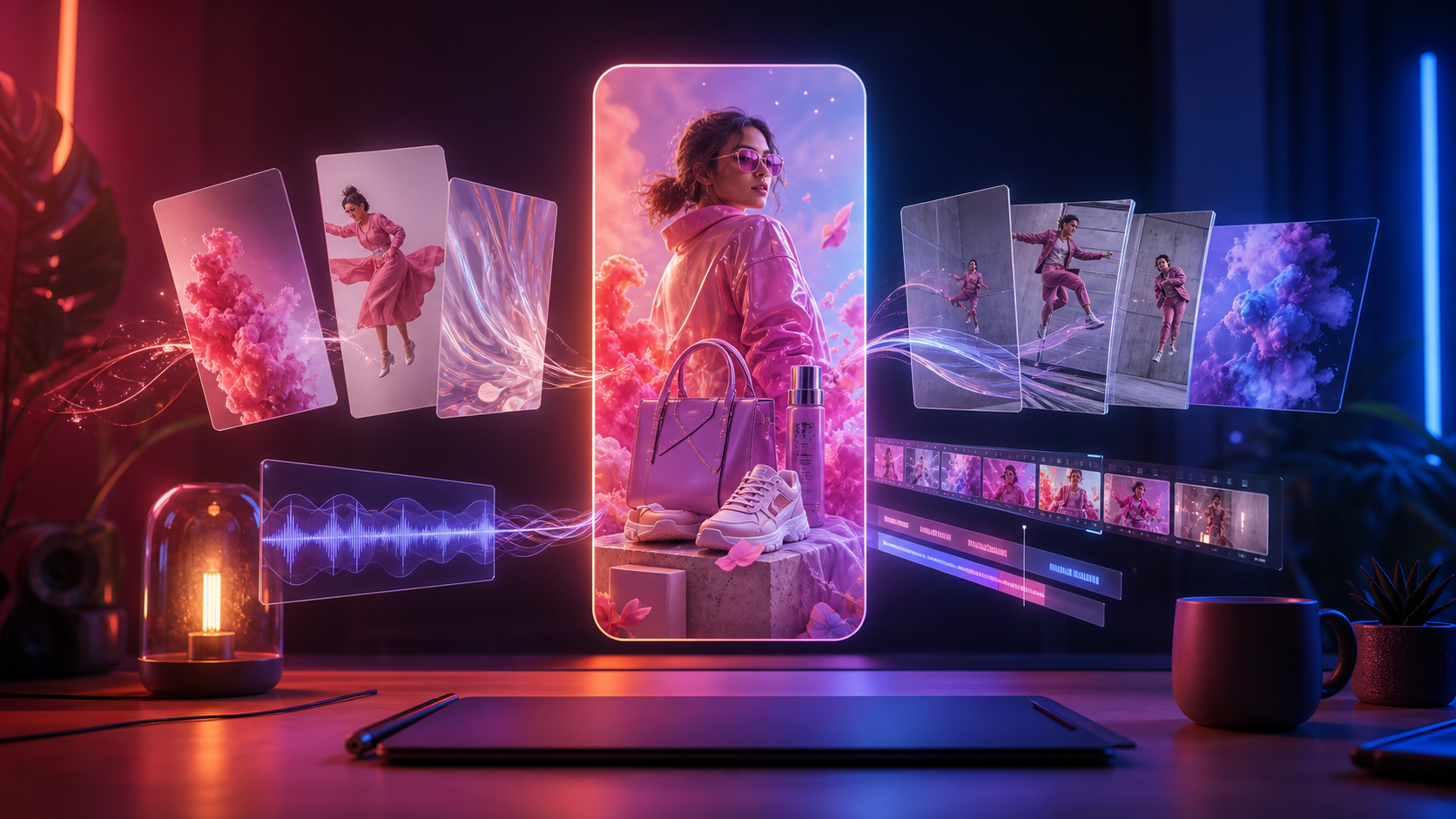
Build short scenes around a product’s mood or lifestyle. For example, create a relaxing morning setting for a skincare brand.
4. Educational Visuals
Explain abstract ideas through simple animations or scenes. Topics such as productivity, history, or personal finance can become more interesting with visual storytelling.
5. Creative “What If” Videos
What if New York existed underwater? What if a modern office looked like a 1980s movie?
Unusual concepts can make people curious enough to stop scrolling.
What Actually Makes an AI Reel Perform Well?
AI can help create attractive visuals, but it can’t guarantee views or engagement.
The opening matters. People decide quickly whether to keep watching, so start with a strong image, question, or unexpected moment.
Pacing matters too. Remove scenes that don’t add anything. A clear 12-second video can be more effective than a confusing 30-second one.
Most importantly, give the Reel a purpose.
A funny video should deliver a joke. A tutorial should teach something useful. A product video should help someone understand why the product matters.
After publishing, pay attention to watch time, shares, saves, and comments. These signals can help you understand which ideas are worth improving.
Don’t judge your entire content strategy based on one Reel. Test different hooks, topics, and styles over time.
Final Thoughts
AI video generators have made short-form video creation more accessible. You can experiment with visual ideas, produce scenes without filming, and build content around almost any topic.
But good Reels still need human creativity.
Start with a clear message, create simple scenes, and edit with the final experience in mind. Use AI to support your ideas rather than letting it decide everything.
The goal isn’t to make the most impressive AI video. It’s to make a Reel that feels interesting, useful, or entertaining enough for someone to watch until the end.